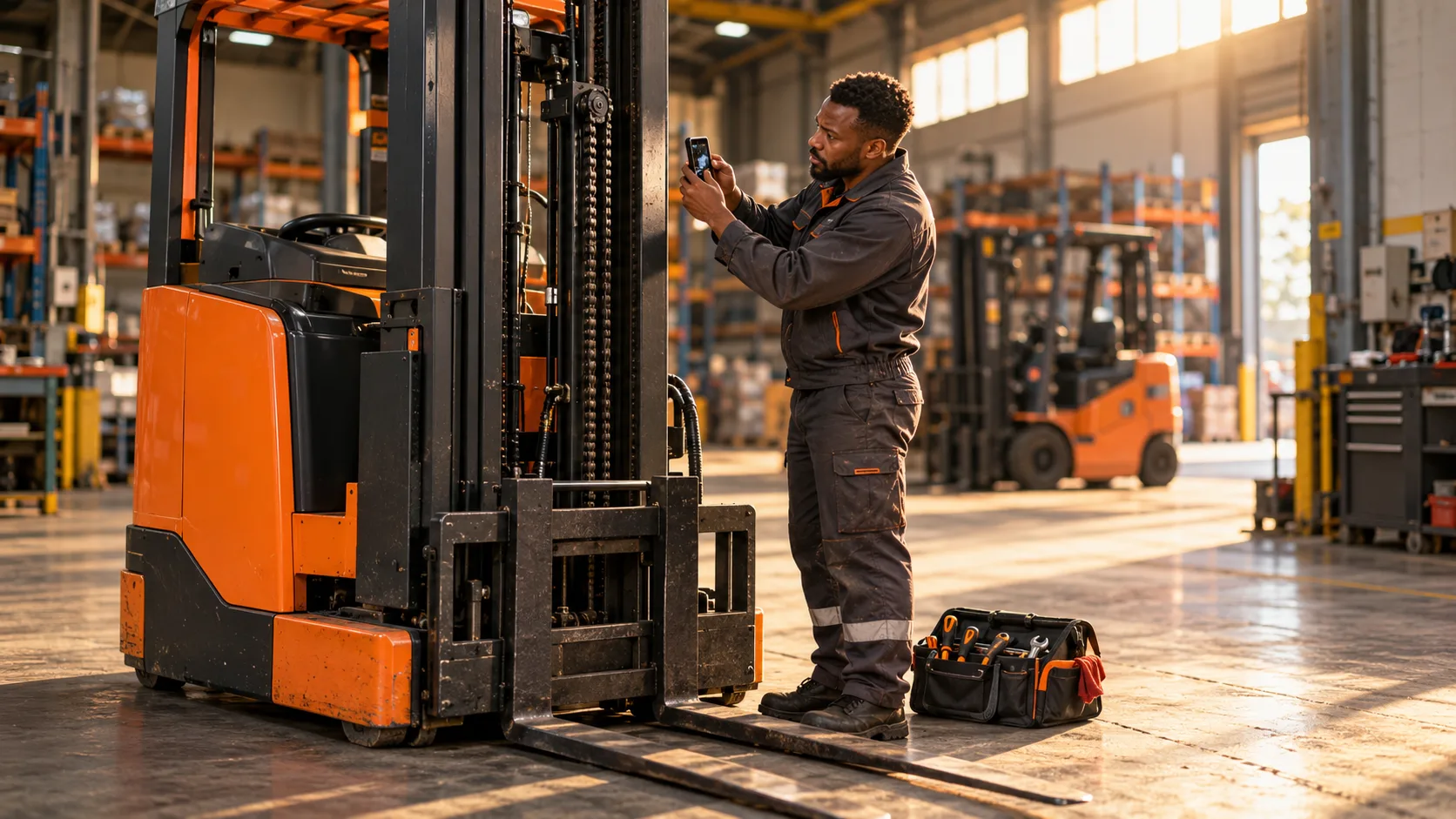
It is twenty to five on a Thursday, and the technician is sitting in the bakkie outside a warehouse in light rain. The reach truck is running again. The customer’s supervisor signed the job card twenty minutes ago and has already gone home.
On the passenger seat sits the job card itself, slightly damp, with a coffee ring over the hour meter reading. The photographs of the worn chain are on the technician’s phone, somewhere between photos from a school concert and a screenshot of a part number. Two more job cards from yesterday are in the cubby hole. They will be written up properly tonight. Probably.
Nobody in this story is lazy. The technician did good work. The problem is that the job was designed to be done twice: once on the warehouse floor and once again from memory, later.
The real job is fixing the forklift
Technicians are hired for what they can do with a machine, not with a pen. Their best hours are spent diagnosing faults, replacing parts and getting equipment back to work. Every minute spent on paperwork is a minute that is not spent on the next breakdown.
Yet the paperwork matters. The job record is what the office uses to invoice, what the customer uses to understand what happened and what the next technician relies on when the same truck comes up again. A poor record does not stay on the job card. It travels.
So the question is not whether technicians should capture information. It is how to make capturing it a natural part of the work, rather than an extra shift at the kitchen table. That is the real test of any forklift technician app or job card process.
Where field capture usually breaks down
Most of the trouble comes from a few familiar habits.
Information gets written down after the fact. Times are rounded, readings are remembered and “replaced seal” becomes the entire description of a forty-minute repair.
Evidence ends up in the wrong place. Photographs live on personal phones, get sent over WhatsApp to whoever happened to ask and are rarely tied to the job or the asset they belong to.
Outstanding work disappears. The technician notices a worn tyre and a weak horn, mentions them to the supervisor, and neither ever makes it onto a quote.
And the customer’s signature is collected on a card that may not reach the office for days, which means the customer has signed for work they will only see described much later.
Capture it while the machine is in front of you
The simplest improvement is timing. Information captured on site, while the equipment is still there, is almost always better than information reconstructed later.
That means recording attendance as it happens, noting readings directly from the machine and taking photographs as part of the job rather than as a personal reminder. It also means writing down findings that are not being fixed today, so that they become follow-up work instead of a passing comment.
None of this requires technicians to type essays. Short, structured entries with a photograph usually say more than a paragraph written at nine at night.
Design the job for the person doing it
Good job capture starts before the technician arrives. If the job already shows the site, the asset, the priority and the instructions, the technician spends less time phoning the office to ask which truck it is.
On site, the steps should follow the work: arrive, inspect, record findings, complete the repair, note parts and time, list what is still outstanding, get the customer’s sign-off. When the sequence matches the job, it gets done. When it fights the job, it gets skipped.
It also helps to agree what “complete” means. Is a job finished when the forklift is running, or when the record shows what was found, what was done and what remains? Teams that answer that question once tend to argue about it far less often.
Make the record useful to everyone after the technician leaves
A field record is only worth the effort if someone uses it. The office should be able to see completed work and outstanding actions without waiting for the bakkie to come back. The customer should receive a clear account of the work, not a photocopy that arrives next week.
The same record also protects the technician. When a customer later asks whether the chain was checked, a dated finding with a photograph is a much better answer than “I’m sure I looked at it”.
Where FMC supports field job capture
The FMC Technician Mobile App gives service teams an Android-compatible field tool for scheduled work, digital job capture, inspections, photographs, notes, readings and customer sign-off. Technicians can see their assigned jobs, priorities, sites and relevant asset details, then record attendance, work completed, time, parts and outstanding actions while they are still on site.
The same approach covers breakdown callouts, scheduled services, inspections, load tests, repairs and battery service. Back at the office, FMC Service Management shows job progress, and once the office closes the job the completed job card is distributed to the customer automatically. For service providers and dealers, that means fewer job cards living in the bakkie.
The app keeps the record consistent. Doing the work well, and recording it honestly, still belongs to the technician and the team behind them.
A simple test for your field process
If you manage technicians, ask a few practical questions this week:
- How many of yesterday’s jobs were fully recorded before the technician left the site?
- Where do job photographs end up, and could you find one from last month?
- When a technician spots extra work, how does it become a quote?
- How long does it take for a signed job card to reach the customer?
- How much of each technician’s evening goes on paperwork?
If the honest answers involve a cubby hole, a personal phone gallery or the kitchen table, the process is asking technicians to be administrators after hours.
Let technicians fix forklifts, and let the record build itself along the way.