
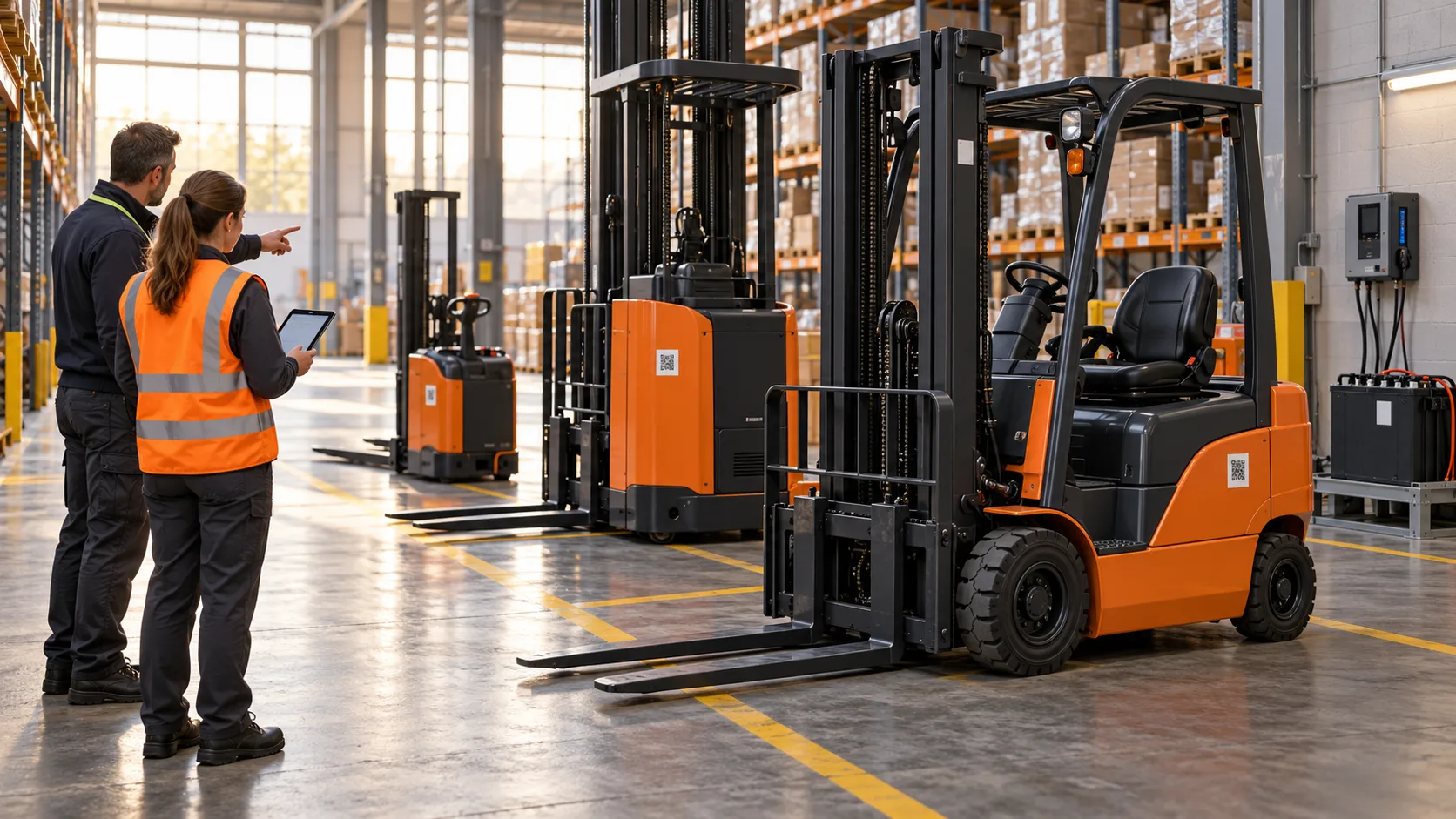
The insurance renewal is due on Friday, and the broker wants a list of every forklift on the policy. The operations manager opens the fleet spreadsheet. It is called “Fleet list FINAL v3 (2)”, and it was last updated by someone who left the business in March.
It lists 42 machines. A quick walk through the warehouse finds 38, plus two hire units nobody added. One row has a comment that simply says “sold?”. Another truck appears twice, once under its fleet number and once under its serial number, with different service dates on each line.
By Thursday afternoon the list is fixed, more or less. Everyone agrees it should be kept up to date from now on. Everyone agreed the same thing last year.
Every fleet has a register, whether it trusts it or not
Most operations do have an asset register. It might be a spreadsheet, a page in the maintenance contract, a supplier’s fleet report or a whiteboard in the workshop. Often it is all four, and they disagree with one another.
The trouble is not that the information doesn’t exist. It is that nobody is quite sure which version is right. So people quietly keep their own lists. Finance has one for depreciation, the workshop has one for services, the site manager has one for the morning shift and the service provider has one for invoicing.
Each list is accurate for the person who keeps it. None of them is accurate for the business.
How a good register goes bad
Registers rarely fail in one dramatic moment. They drift.
A machine moves to another site and the move is mentioned in an email, not recorded. A battery is swapped between trucks. A hire unit arrives for two weeks and stays for eight months. A truck is sold, but its row stays because deleting things feels risky. A refurbishment changes the fleet number, and the old number lives on in half the paperwork.
None of these changes is a problem on its own. Together, over a year or two, they turn a reliable list into a reasonable guess. And a register that is only roughly right tends to be ignored, which means it gets updated even less. Before long it is a historical document.
What a register should actually hold
A useful asset register is more than a model and serial number. For each machine, it should be able to answer a few plain questions without anyone phoning around:
- What is it? Make, model, serial, fleet number and key specifications.
- Who owns it? Owned, leased, rented or customer-owned, and under which agreement.
- Where is it assigned? Which branch, site or operation it belongs to right now.
- What papers go with it? Certificates, manuals, inspection records and photographs.
- What has happened to it? Services, repairs, inspections, moves and major changes.
That last question is where most registers fall short. A list of machines tells you what you have. A history tells you what you are dealing with.
One record per machine, not one list per department
The fix is not a better spreadsheet. It is agreeing that each machine has one record, and that everyone who touches the machine works from that record.
That changes the job of the register. Instead of being a list someone updates when they remember, it becomes the place where work is recorded. The service is logged against the machine. The inspection certificate is attached to the machine. The transfer to another site is recorded on the machine. Keeping the register current stops being a separate task, because it happens as part of the work.
It also settles arguments about mixed fleets. Forklifts, reach trucks, stackers, batteries, chargers and attachments all deserve their own records, because they move, fail and get serviced independently. A battery that has been in three trucks this year has a history worth knowing.
Rebuilding without stopping the operation
Rebuilding a register sounds like a project nobody has time for. It doesn’t need to be done in one heroic weekend.
Start with a physical count, site by site, and reconcile it against whichever list is closest to the truth. Give every machine a clear identity that can be confirmed on the floor, not only in the office. Decide which details are essential and leave the nice-to-haves for later. Then agree who records a move, a sale, a hire unit or a disposal, and when.
The hardest part is the last step. A clean register stays clean only if changes are recorded when they happen, not at the next stock-take.
Where FMC supports a reliable asset register
FMC Asset Management gives every machine a clear digital identity and a central record. Identifiers, specifications, ownership details, documents, allocation across branches and sites and lifecycle history sit together in one place, across mixed fleets from forklifts and reach trucks to industrial batteries, chargers and attachments.
QR Intelligence helps authorised users confirm the equipment in front of them with a quick scan, and technician activity and digital job cards become part of each asset’s operational history. For fleet customers running several sites, that means one view of assets, service activity and documents without another spreadsheet becoming the unofficial register.
The system keeps the record organised. People still need to record changes honestly and on time.
Where to start this week
Choose one site and test the register you already have:
- Pick ten machines at random from the list. Can you find all ten on the floor?
- Pick ten machines on the floor. Are all ten on the list, with the right fleet numbers?
- Ask who would record it if a truck moved to another site tomorrow.
- Check whether hire units, batteries and attachments appear at all.
- Find the most recent certificate for three machines. How long did it take?
If the answers depend on who you ask, the register is a collection of opinions rather than a record.
You can’t manage a fleet you can’t count.